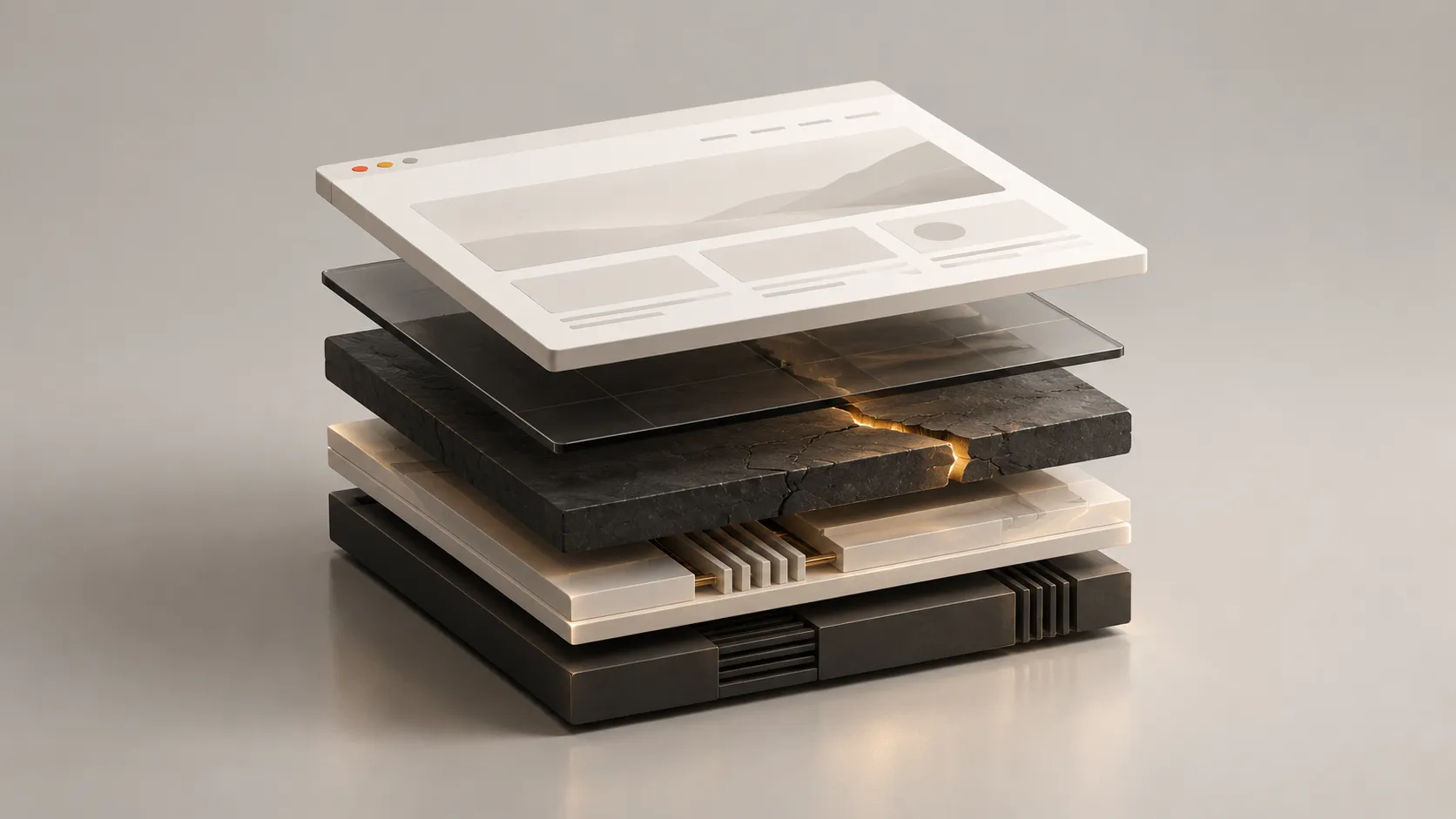
Moving from WordPress to Webflow: a guide for business owners
What changes when you move to Webflow, when it is worth doing, and how to plan the transition around your content, search visibility and business needs.

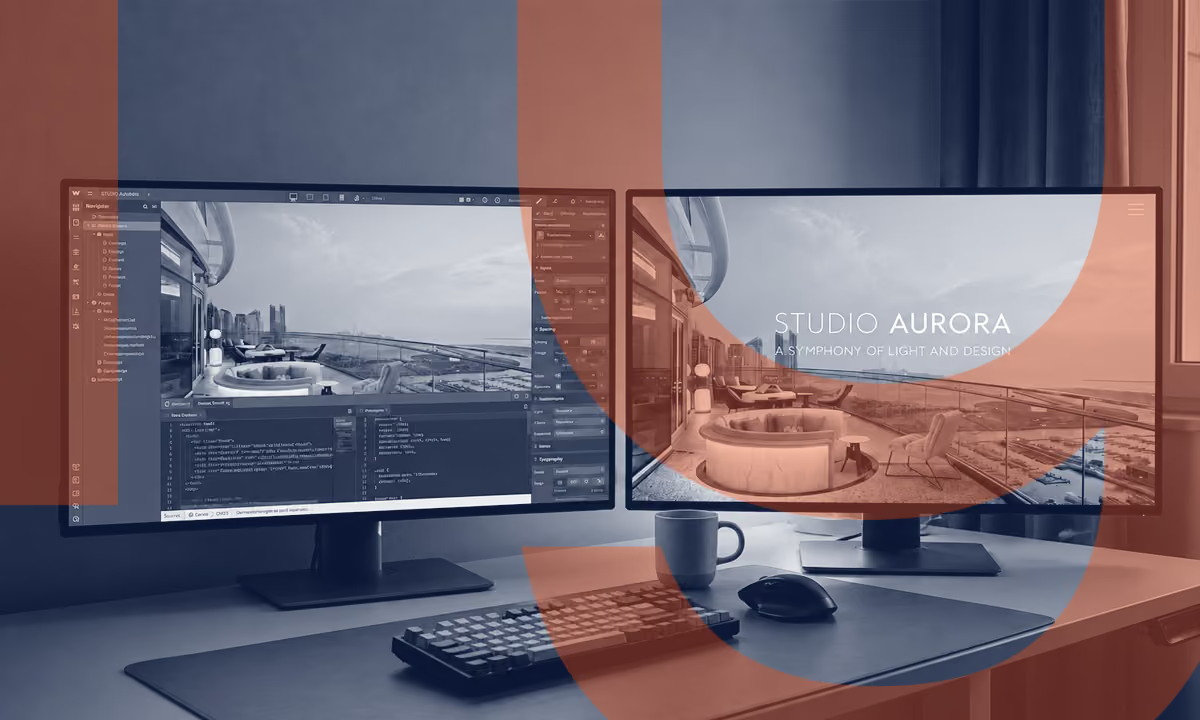
Moving from WordPress to Webflow means rebuilding your website on a different platform and transferring the content and functionality you need. It can simplify ongoing maintenance and give you a better website, provided the move starts with a clear understanding of what to improve and what to protect.
By Alex Beeston, founder of Amplify. Reviewed on 22 October 2026.
Perhaps your website has become awkward to update. Perhaps a small change now involves several people, or the design and message no longer reflect the business. You may simply want clearer responsibility for keeping it running.
Those are useful reasons to review the setup. The decision to move from WordPress to Webflow should come from what a different platform would make possible for your business.
I use Webflow for bespoke business websites because it combines design flexibility with a managed platform. This guide explains where I think that approach earns its place, what migration involves and the questions to resolve before committing.
When does moving to Webflow make sense?
Webflow is worth considering when your website's main purpose is to explain your services, demonstrate expertise, present projects and generate enquiries. For a consultancy, design practice or specialist service business, those needs often fit a well-structured Webflow site.
The strongest case is usually a combination of improvements. You want a website that represents the business properly, content your team can keep current, and less routine technical administration.
Your website works, but maintenance is the problem
First establish whether better hosting or support would solve the issue. A reliable managed WordPress provider may be the proportionate answer when the design, content and functionality already serve you well.
The business has outgrown the website
This is a stronger reason to consider a rebuild. If your services have evolved, the work is better than the portfolio suggests, or the site attracts the wrong enquiries, a move can be part of a wider improvement to the message, structure and experience.
Your website runs a substantial part of the business
Look carefully at the dependencies before changing platforms. Complex ecommerce, memberships, learning systems, customer accounts and bespoke application features need individual assessment. Replacing a working system with several new subscriptions may increase complexity.
If a security alert prompted your interest, deal with that immediate issue first. My guide to PHP2Shell and affected business websites explains the October 2026 PHP vulnerabilities and what to ask your hosting provider. A future rebuild does not protect an exposed installation today.
What changes when your website runs on Webflow?
Webflow manages its hosting infrastructure and security patches. For a standard Webflow-hosted website, you do not maintain a separate PHP installation. Depending on the required features, built-in tools can also replace some of the plugins used by a WordPress site.
Content can be organised into CMS Collections for articles, projects, team members or other recurring material. The useful outcome is an editing system shaped around the content your business actually publishes.
There are trade-offs. Webflow has subscription costs, plan limits and its own way of structuring a site. Accounts, permissions, external services and custom code still need care. It reduces certain maintenance responsibilities; it does not make a website free of every technical or security risk.
Portability also deserves a conversation. Webflow supports code export on eligible plans, but exported code does not include a working Webflow CMS or its hosted form processing. Content can be exported separately. Any future move would need planning too.
How does a WordPress-to-Webflow migration work?
1. Agree what the new website needs to achieve
Start with the business. What should visitors understand, which enquiries matter, and what makes the current website difficult to use or manage? Agree the improvements you are buying before choosing layouts or transferring content.
For some businesses, the existing message and design should largely be retained. For others, discovery will reveal a need for clearer positioning, new copy or a different page structure. These are separate pieces of work and should be explicit in the scope.
2. Decide what to carry forward
Review the existing pages, articles, images, downloads and integrations. Give each a destination: retain, improve, combine or retire. Identify valuable content before removing anything, including older pages that still attract relevant visitors.
Record what each plugin does. A plugin name is less useful than the requirement behind it: taking a booking, sending an enquiry to a CRM, handling payments or controlling access. Each necessary function needs an agreed home in the new setup.
3. Rebuild the site and organise the content
A WordPress theme or page-builder layout does not simply become a Webflow design. The new pages and templates need to be built, with content arranged to suit the new structure.
Existing articles and other recurring content can often be transferred in bulk. Webflow supports CSV imports into CMS Collections, with fields mapped to the new content model. Formatting, images, categories, dates and links still need checking. Importing the words is only part of getting an article ready to publish.
4. Test the real tasks people need to complete
Use the new website as a visitor and as the person who will maintain it. Submit every form, check where enquiries arrive, follow booking links, test on a phone and try adding a project or article. Review keyboard access, readability and page performance alongside the visual design.
Agree how content changes made on the old site during the build will reach the new one. A final content check avoids launching with an outdated phone number or missing the latest article.
5. Launch with clear responsibilities
Set out who handles the domain connection, final checks, launch approval and any rollback decision. Confirm that email and other services attached to the domain will continue working.
After launch, check enquiries, analytics and the most important pages again. Agree who will monitor the site and when it is appropriate to retire the old hosting. That includes checking for any other service still using it.
Can you move to Webflow without losing SEO value?
A careful migration can preserve much of what already works, but nobody can guarantee unchanged rankings. Google advises that significant site changes can cause temporary search fluctuations while pages are recrawled and reindexed.
Keep useful URLs where practical. Where an address must change, map it to the most relevant replacement and implement a permanent redirect. Sending every old address to the homepage is not a sound substitute.
Carry forward the important content, page titles, descriptions, internal links and appropriate structured data. Check canonical URLs, the sitemap and indexing settings before launch, then monitor Search Console afterwards. Google's site-move guidance recommends retaining redirects for at least a year, and longer where useful.
If search traffic is commercially important, consider separating a platform move from major changes to the domain, content and navigation. Google recommends changing one thing at a time where practical. Agree the sequence around the site's existing value.
Webflow alone will not make your business rank higher or appear in AI answers. Clear information, useful content and a well-built website remain part of the work.
What affects the cost and timescale?
A migration quote should distinguish between transferring content, rebuilding the website and improving the strategy, copy or design. Otherwise, two apparently similar prices can describe very different outcomes.
The number of articles matters, but it is only one part of the scope. A large archive with consistent fields may be straightforward to import. A much smaller site with custom booking logic can require more investigation and testing.
The main questions are:
- How many distinct page designs and CMS templates are needed?
- How much existing content is ready to reuse, and how much needs rewriting?
- Which integrations or specialist features must be rebuilt or replaced?
- How extensive is the URL and redirect work?
- Who supplies feedback and approves each stage?
- What training, launch checks and ongoing support are included?
Compare ongoing costs as well as the project fee: the suitable Webflow plan, any external tools and the support you want afterwards. Those should be visible before you decide.
At Amplify, I scope the project around the website and the business behind it. After an initial conversation and review, I can recommend an approach and set out the work, price and programme. You do not need to arrive with a technical specification.
Common questions about moving to Webflow
Can I keep my domain name and business email?
Yes. Moving the website does not require changing your domain name. Email is a separate service: Webflow does not host email, so the existing mail service and its DNS records need to be preserved or deliberately migrated. Check this before cancelling a hosting package that may also include your mailboxes.
Can I keep my blog posts and images?
Usually, yes. Existing content can be assessed and mapped into Webflow's CMS. Images, formatting, author information, dates and categories need checking, and the plan must accommodate the amount of content. WordPress plugins and themes require a separate decision about replacement functionality and design.
Will I be able to update the website myself?
That should be part of the brief and handover. Identify the edits you expect to make, give the right people appropriate access and practise those tasks before launch. Publishing a new project should feel straightforward because its content fields and template have been designed around your needs.
Will the existing website stay live during the build?
Usually, the new site can be prepared separately while the existing site continues operating, provided the existing installation is safe to keep online. The final switch needs its own checks and timing. An active security incident requires immediate attention from the current provider.
Discuss your WordPress-to-Webflow project
I work with established businesses in Oxfordshire and across the UK, combining website strategy, messaging and bespoke Webflow design. The starting point is understanding what your current site needs to do better.
Send me the website address, what you find frustrating and any features you need to retain. We can then discuss whether a move is worthwhile and what a sensible project would involve.
Talk to me about moving to Webflow, or explore my approach to business website design.
Further reading: Webflow's WordPress migration guidance, CMS content imports, managed hosting, code export limits and Google's site-move guidance. Platform details checked on 22 October 2026.